
Tools catch a lot. Trained people catch more.
Security Training is part of cybersecurity at JPtheGeek. Your people learn the tricks we see, so they know a bad email when one lands. And because the newest risk is the AI tool they’re already using, AI Safety training comes with it.
Start here
Four signs an email is working on you.
You don’t need a course to learn these. The full checklist is free, and it’s worth sending round the office.
- “Act now or else.”
- Asking you to sign in.
- A familiar name, a strange address.
- Money or gift cards.
How training works
Short lessons. No lectures.
Nobody learns this from an hour-long video once a year. It sticks when it’s small, regular, and a little bit real.
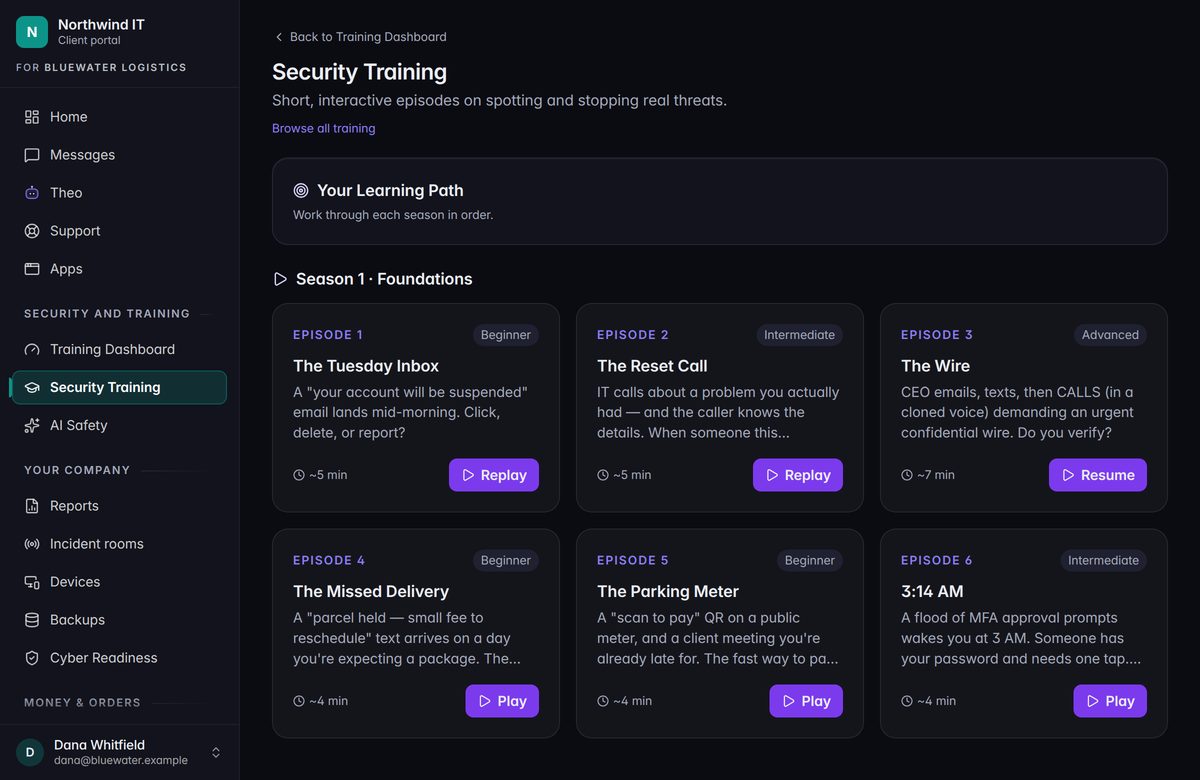
A few minutes at a time
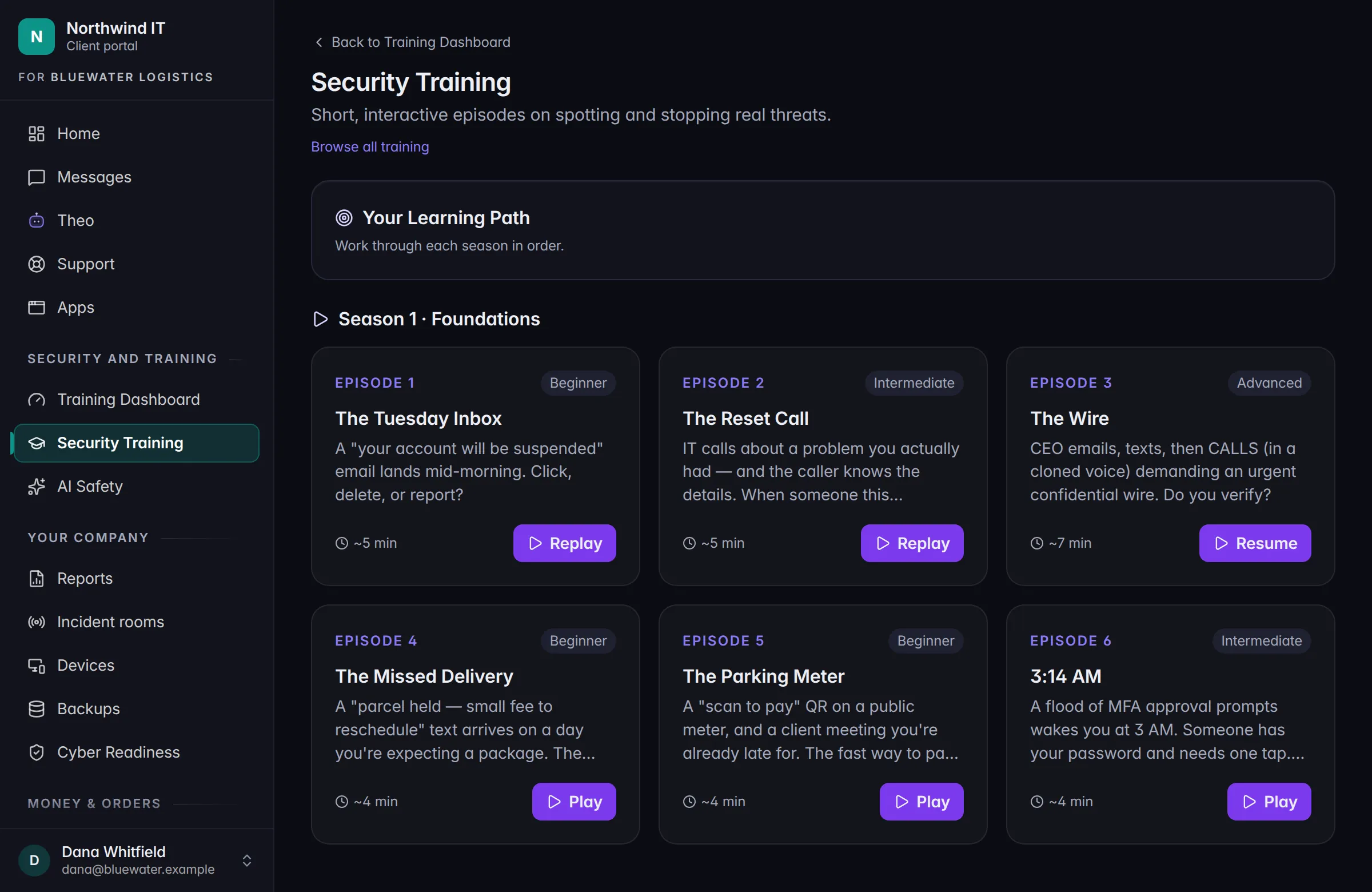
A lesson is short enough to finish between two meetings. They run in order, so each one builds on the last.
Scenes, not slides
A lesson plays out like the real thing. You choose what to do, the story follows your choice, and the debrief at the end is the lesson.
Assigned by us
We enroll your people and can set a due date. Reminders can go out by themselves, so nobody in your office has to chase anyone.
Progress you can see
Your Client Portal shows what’s done and what’s next. Whoever looks after training on your side sees who has finished and who is overdue.
Coming soonPractice phishing emails, with a short follow-up lesson for anyone who clicks. It’s training, not a penalty.
Included
AI Safety. For everyone who uses AI at work.
That’s everyone. People paste things into chatbots, trust answers that sound sure, and connect apps to their mailbox, usually with good intentions. It’s one of the easiest ways for a business to lose data.
So AI Safety training is part of Security Training. It’s included, and we assign it to all of your staff by default. It’s ten short scenes about the decisions people are already making with AI tools.
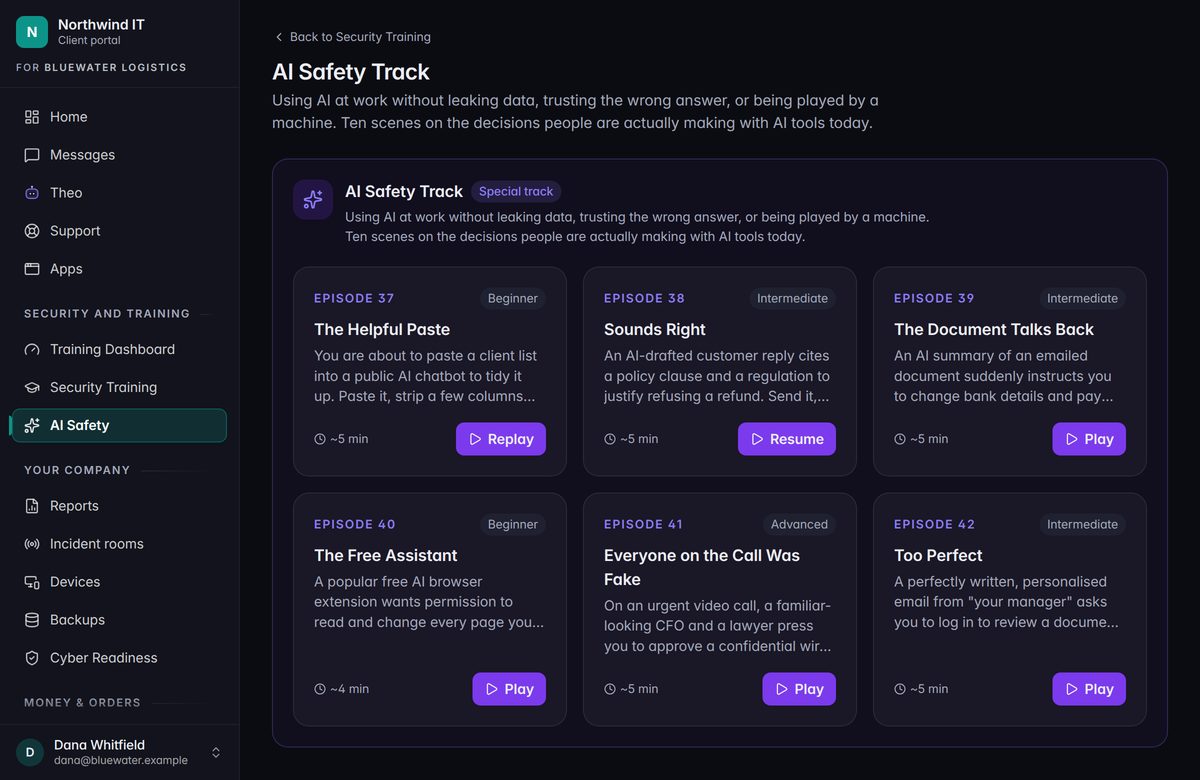
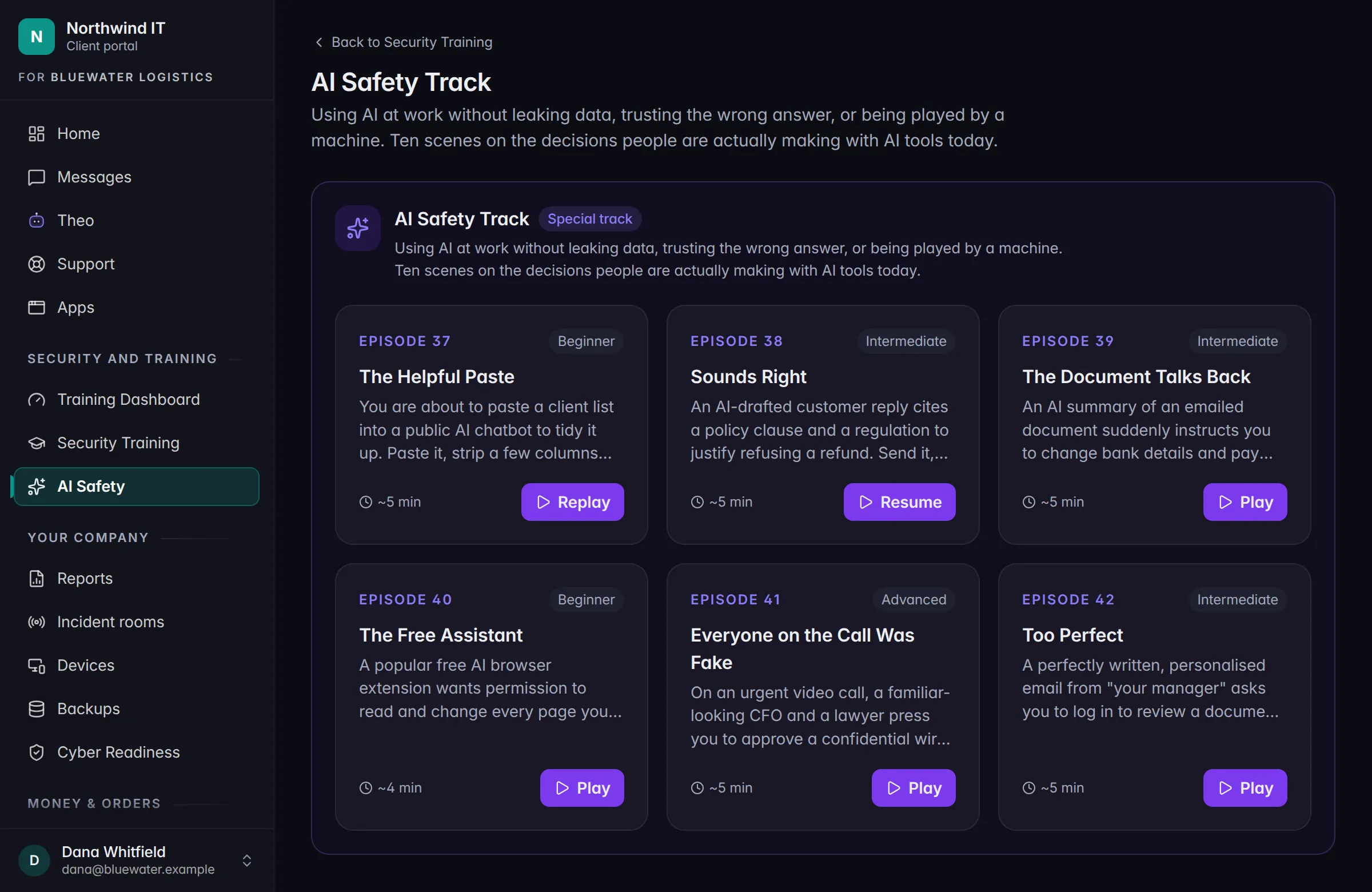
The ten scenes
- The Helpful PasteClient data goes into a public AI chatbot to save a few minutes.
- Sounds RightA confident answer, with a source that doesn’t exist.
- The Document Talks BackAn AI summary of an emailed file starts telling you to pay someone.
- The Free AssistantA free AI browser add-on wants to read every page you visit.
- Everyone on the Call Was FakeA video meeting where the faces are generated.
- Too PerfectA flawless, personal phishing email, written by AI.
- Should I Go Ahead?An AI agent asks to run a plan that emails clients and changes records.
- Just Your Calendar?A scheduling tool asks for far more access than it needs.
- They Said They Don’t Train On My DataWhat that promise covers, and what it doesn’t.
- The ShortlistAI ranks job applicants. Who checks its work?
In Outlook
Training that shows up where people read email.
Hawkeye, our Outlook add-in, also keeps people on top of their security lessons.
- A gentle reminder. If you have lessons waiting, Hawkeye shows how many, and when they’re due.
- One click to start. Lessons open in your JPtheGeek Client Portal. Nothing to install.
- Right when it matters. After Hawkeye flags a suspicious email, it points you to the lessons that teach you to spot the next one yourself.
- Gone when you’re done. All caught up? You won’t see a reminder at all.
In person
Get Smart with JPtheGeek.
Some things land better in a room. Get Smart with JPtheGeek is our in-person lunch and learn, presented by Jesse Pearson, our founder and CEO. The idea behind it is simple: knowledge is your best defense.
Keep going
Talk to a person
Tell us what’s slowing you down.
Call, or book a time and we’ll call you. Either way you talk with someone who can answer the question.