
Your staff shouldn’t be the alarm.
If the first sign of a problem is a line of people who can’t work, something got missed. We watch your systems around the clock so trouble gets caught early.
What we watch
Five questions, asked all day.
One small agent on each computer keeps asking these, so nobody on your team has to.
- Is it on, and is it healthy?
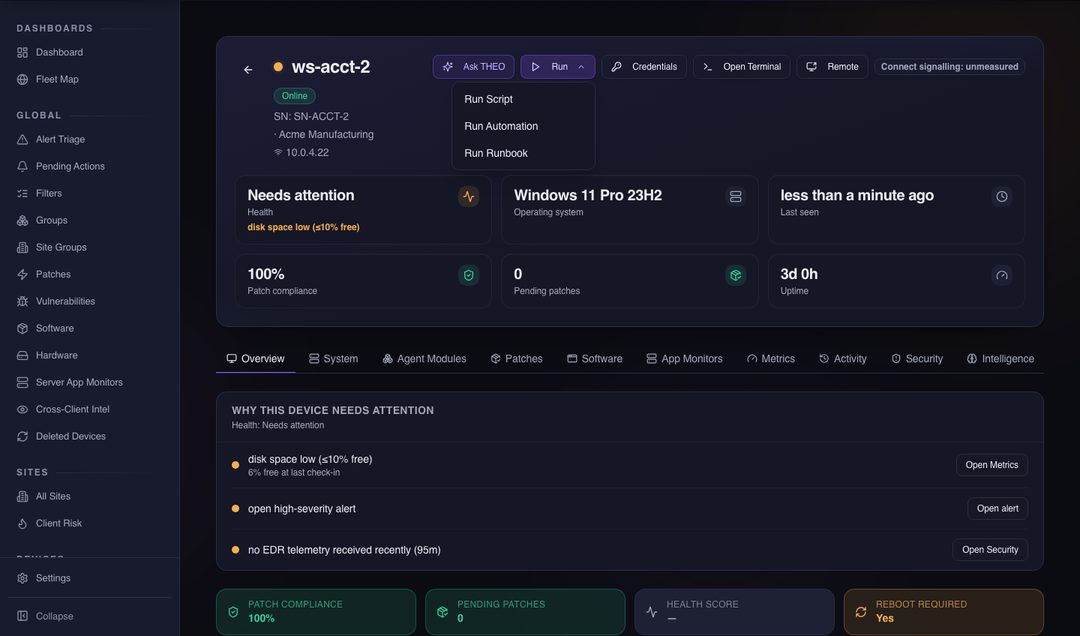
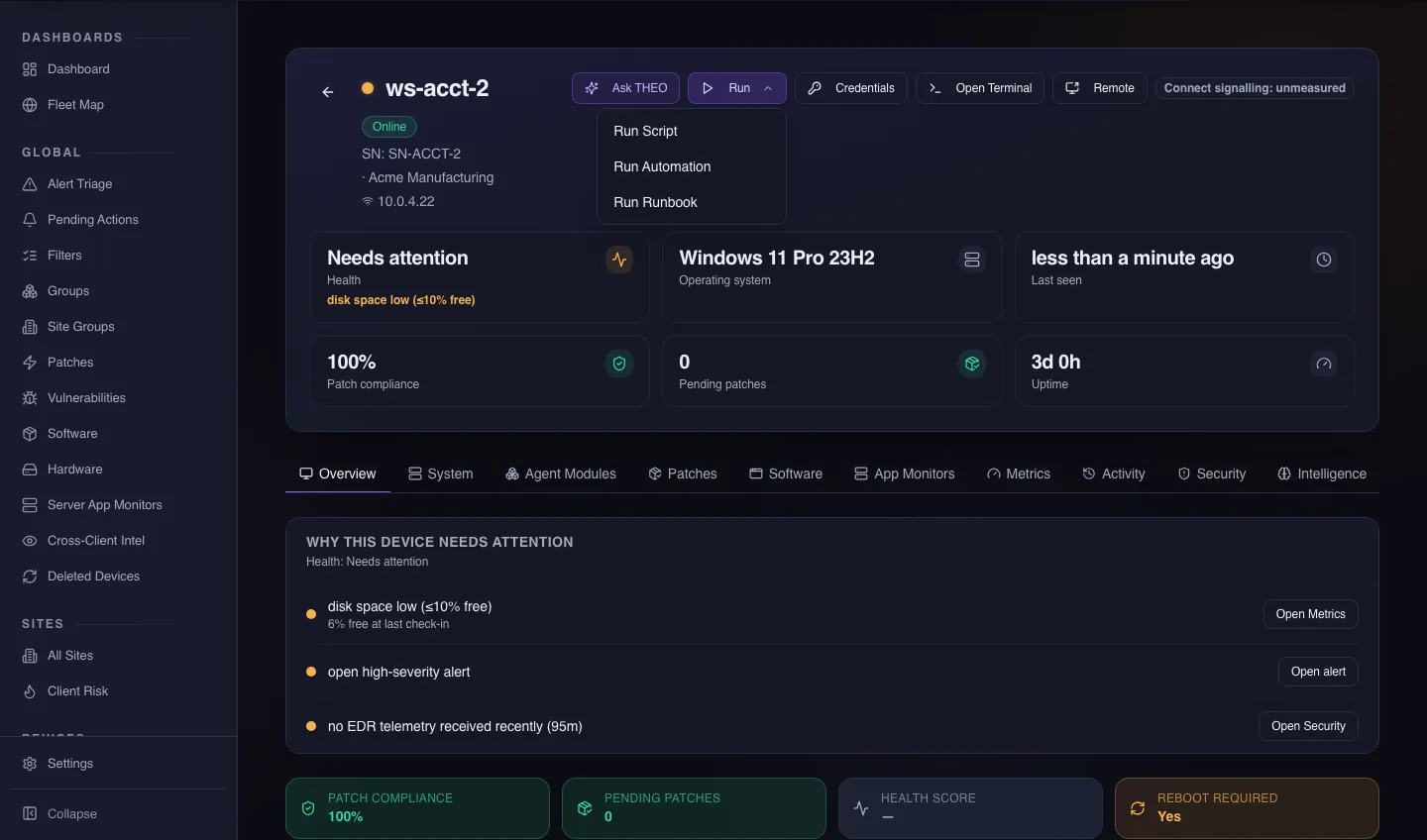
Every managed computer checks in on a short interval. If one stops checking in, we know about it.
- Is it running out of room?
A disk that’s filling up is a five-minute job this week and an outage next week. We’d rather do the five minutes.
- Is it up to date?
Updates are reviewed, approved, and scheduled around your working day, so a restart doesn’t land in the middle of payroll.
- Is it protected?
Disk encryption, the firewall, and antivirus are checked on every computer, and a gap gets closed.
- Did the backup run?
A missed or failed backup opens a ticket by itself. See backup and recovery.
What’s on the computer
One agent. 16 modules.
Instead of a different piece of software for every job, each computer gets one agent. It’s made of sixteen modules, and a module runs only when it’s part of your plan and switched on for that device.
Health and inventory
Is it on, how is it running, and what’s installed on it.
Scripts
A fix we’ve written once can run on one computer or on all of them.
Compliance checks
Disk encryption, firewall, antivirus, and patch status, checked on every computer.
Patching
Finds missing operating-system updates and installs the ones we’ve approved.
Software
Installs the apps your people need, and keeps a list of what’s there.
Web filtering
Blocks known-bad sites at the computer, wherever it’s working from.
File backup
Backs up the files and folders you choose. It needs Defend on the same computer.
Remote support
Lets a technician help on screen. The person at the computer is asked first.
Those eight do the everyday work. The others cover security, backup, and specialist jobs, and some are still rolling out. Most modules stay off until we switch them on, so a computer doesn’t report on anything it hasn’t been asked to.
Already have tools in place?
It works alongside them.
If you run tools like Datto today, the agent sits beside them. It doesn’t remove them, block them, or switch them off.
- It watches and reports. What it finds on a computer the first time is treated as normal, not as a problem.
- It doesn’t fight over updates. Where another tool already handles updates on a computer, ours reads what’s missing and leaves the installing alone.
- Nothing changes hands by surprise. We take a job over only when you and we agree to.
The point
You hear about it from us. Not from a line at your door.
Monitoring only matters if somebody acts on it. You aren’t handed a dashboard to babysit. Our team watches, and our team does something about what it sees.
When something trips
What happens next.
It gets noticed
The warning reaches us while the problem is still small.
It gets sorted
Routine things are handled in the background. Anything that needs a decision goes to a person on our team.
You hear if it matters
If it affects your work or needs your say-so, we call or write, in plain English.
Keep going
Talk to a person
Tell us what’s slowing you down.
Call, or book a time and we’ll call you. Either way you talk with someone who can answer the question.