JPtheGeek

What’s new, and what’s next.

Some of this is live now, some is rolling out to clients, and some is on its way. Each one says which.

Live now

Security

Hawkeye

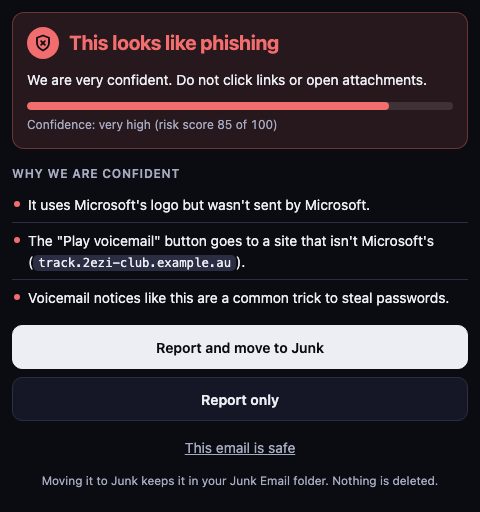
Not sure about an email? Hawkeye is a button in Outlook that checks the message you have open and explains the result in plain English.

If it looks like phishing, one click reports it to our team and moves it out of your inbox. Yes, in the Outlook app on iPhone and Android. It also runs in Outlook on the web, Windows and Mac, and your JPtheGeek team switches it on, so there’s nothing to download. Behind it, Defend keeps checking mail in Microsoft 365 and Google Workspace after it has been delivered.

Hawkeye result: This looks like phishing. Confidence very high, risk score 85 of 100. Three reasons are listed. Below them, the buttons Report and move to Junk and Report only, a link reading This email is safe, and a note that nothing is deleted.
The Hawkeye pane in Outlook. Sample email.
Live now

Security

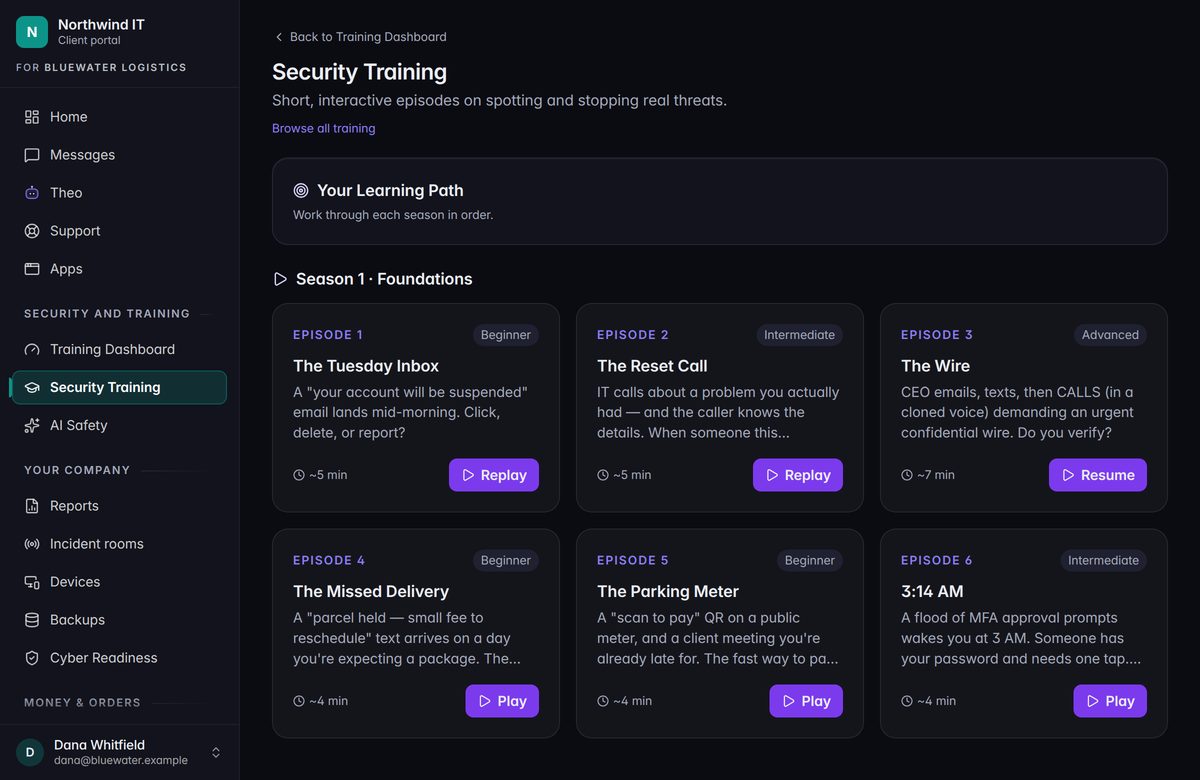
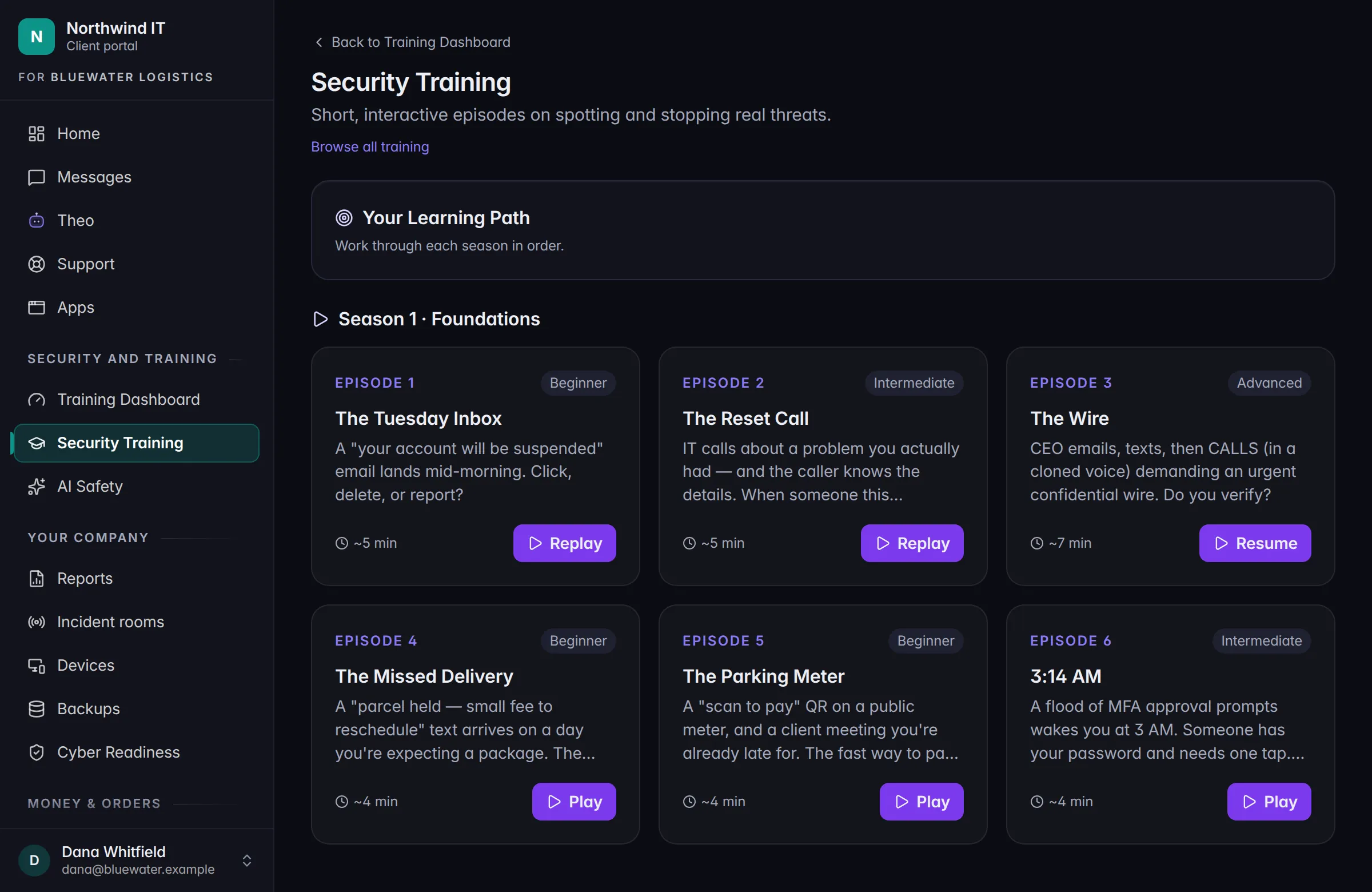
Security Training and AI Safety

Short lessons that play out like the real thing. We assign them, and your Client Portal shows who’s done.

AI Safety training is part of it: ten scenes about the decisions people are already making with AI tools. It’s included, and we assign it to all of your staff by default.

Security Training in the Client Portal. Sample data.
Live now

AI

THEO

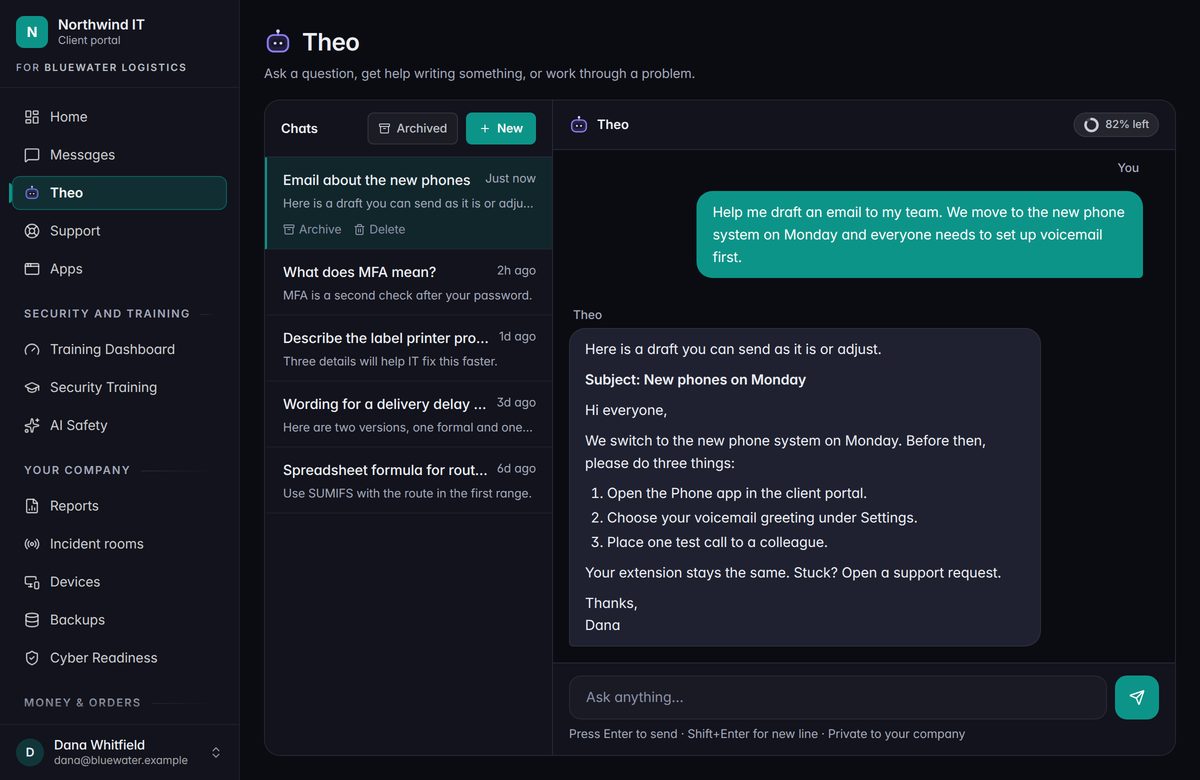
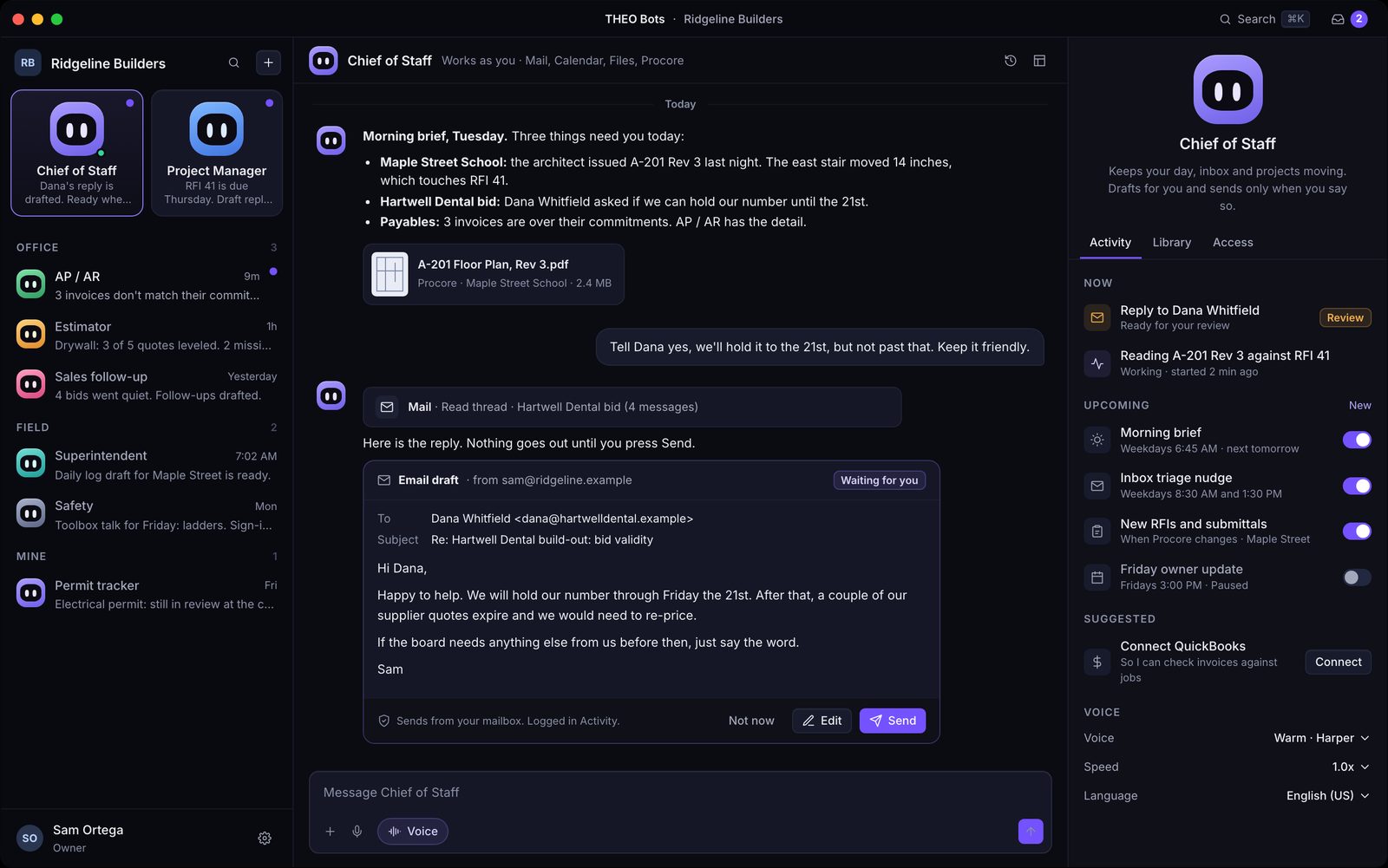
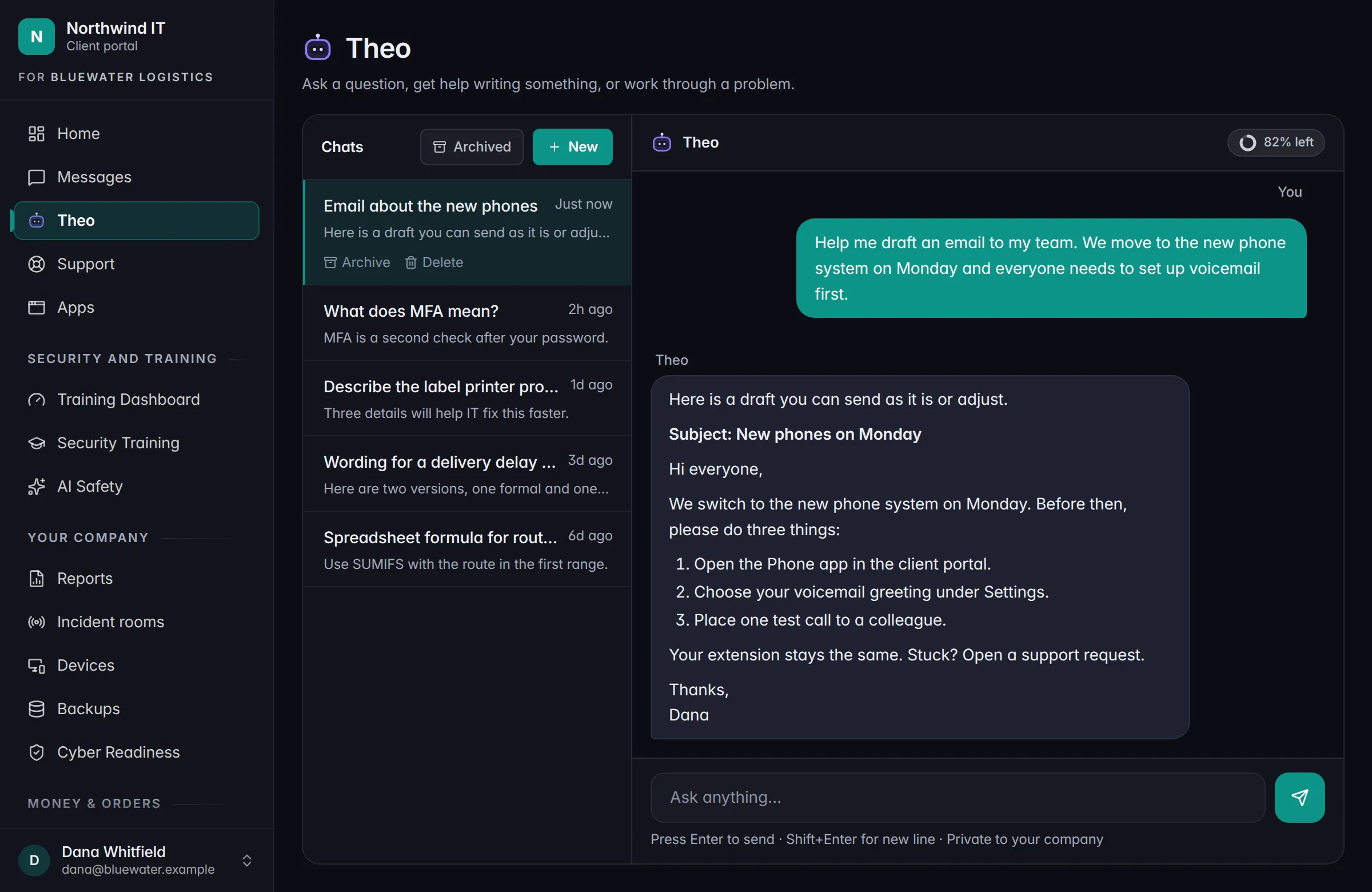
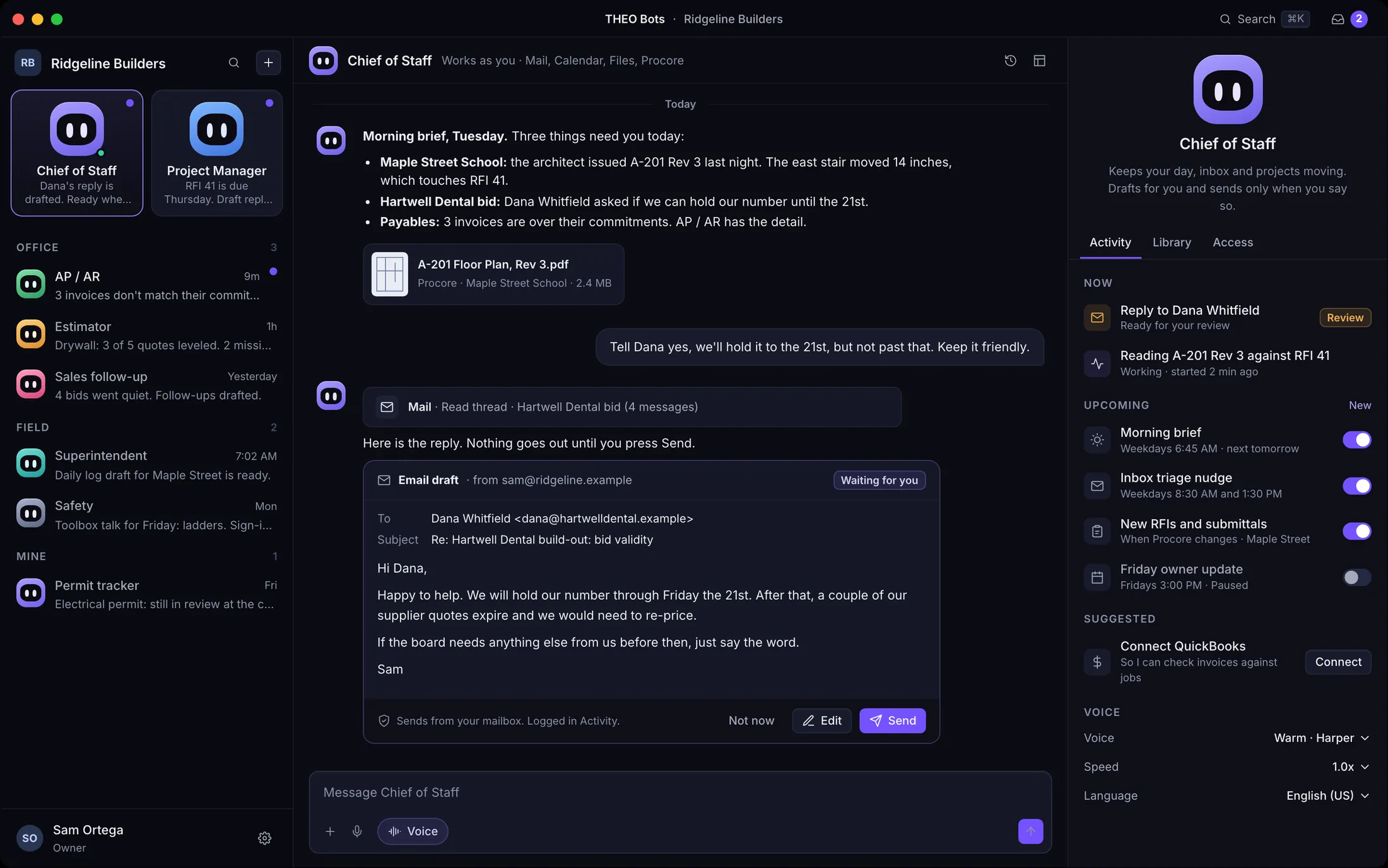
The AI at the core of how we work. It’s private: your data stays in private THEO infrastructure and isn’t used to train public models.

THEO is live and available today. It already works beside our people in support and in security. THEO Bots, the separate offering it runs, is coming soon.

A chat with THEO in the Client Portal. Sample data.
Rolling out

Security

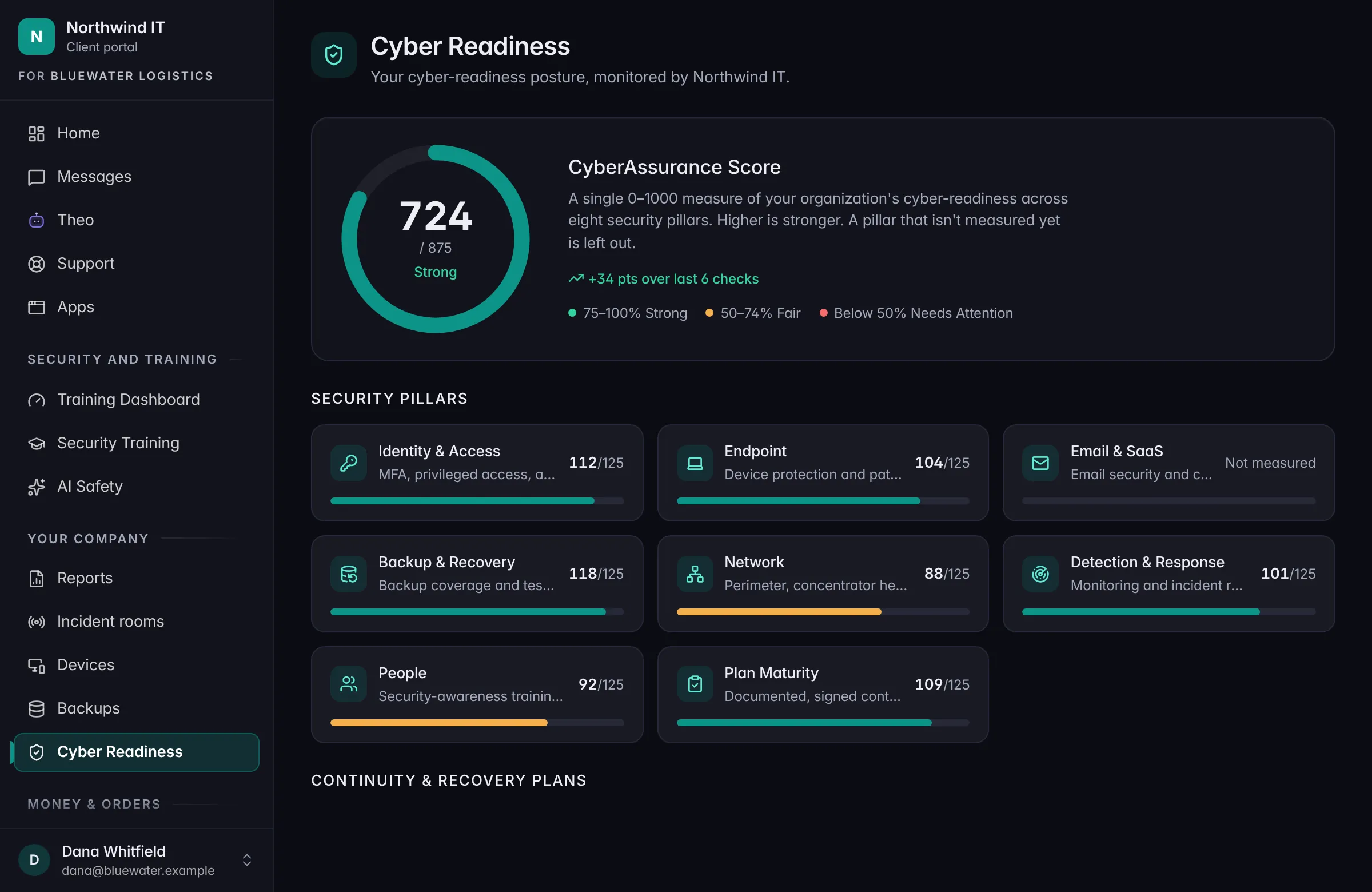
Cyber Readiness

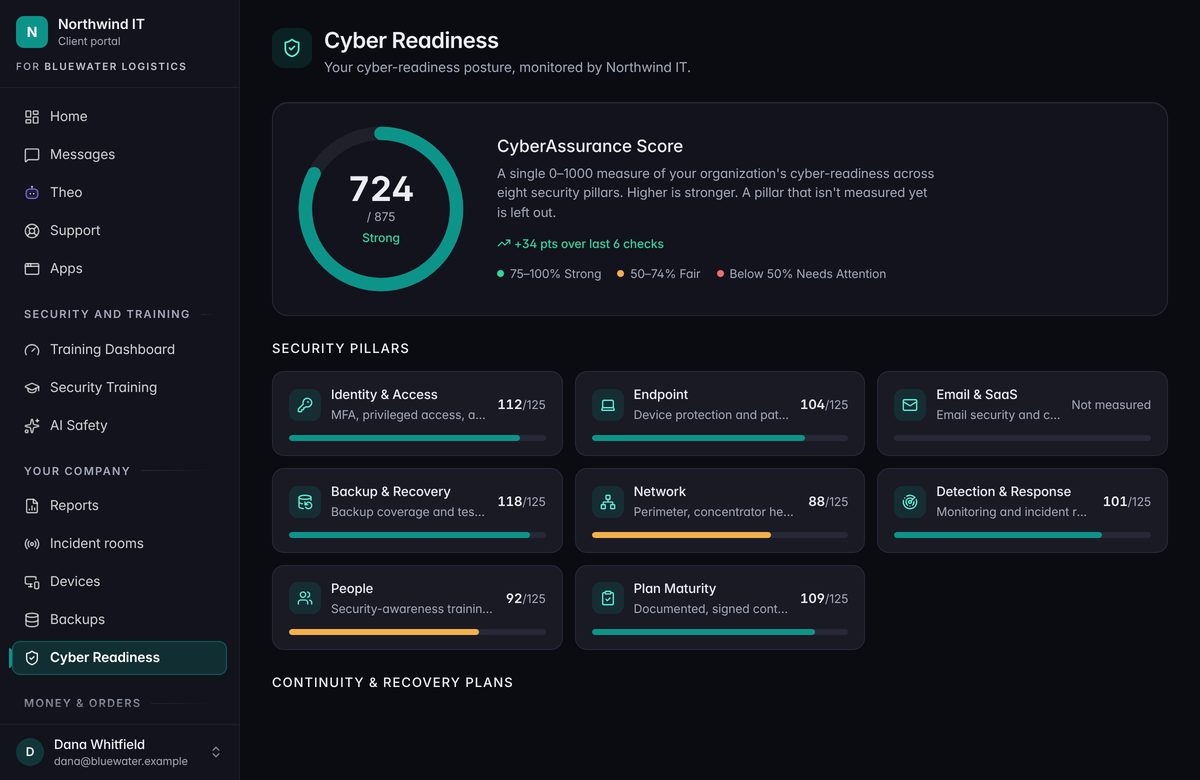
A score across eight areas, the evidence behind it, and a plan for the gaps.

It gets you ready for an audit or a customer’s security questions. It’s readiness and evidence, not a certificate.

The Cyber Readiness view in the Client Portal. Sample data.
Live now

Phones

Voice

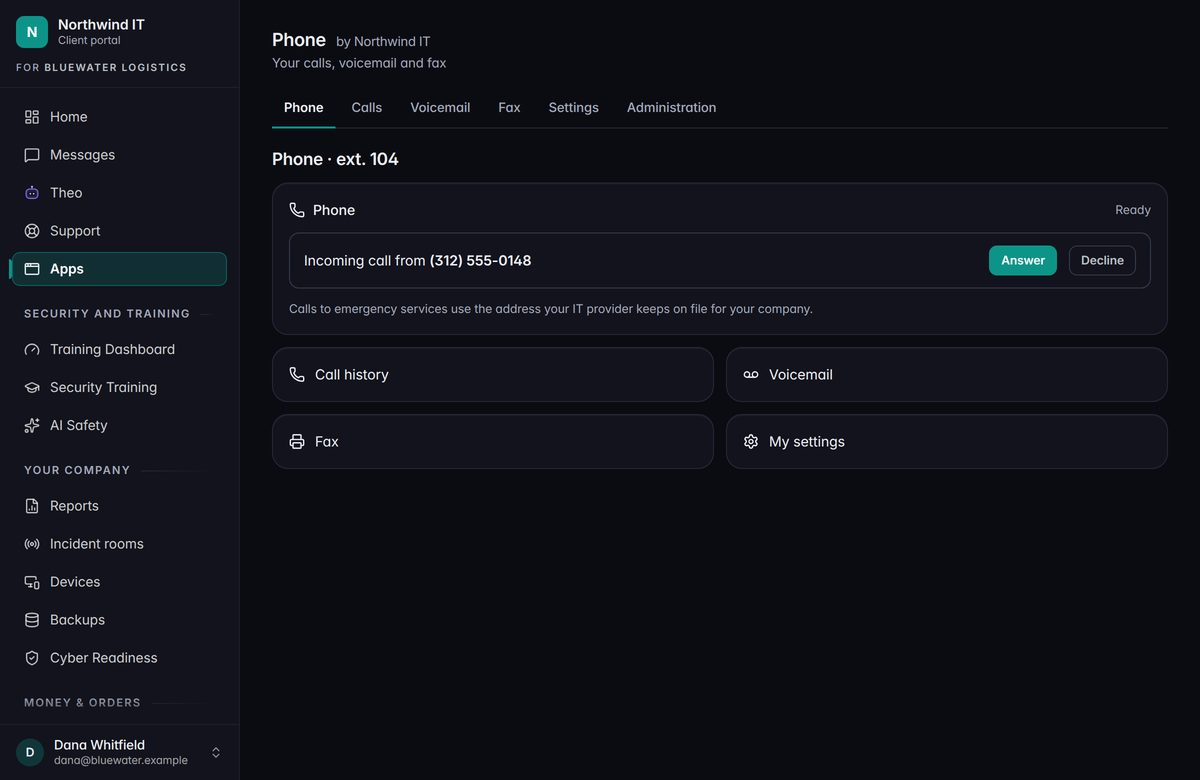
A full cloud phone system, on the same platform as your IT. It is live and available today.

Calling, texting, voicemail that arrives by email, menus, and queues.

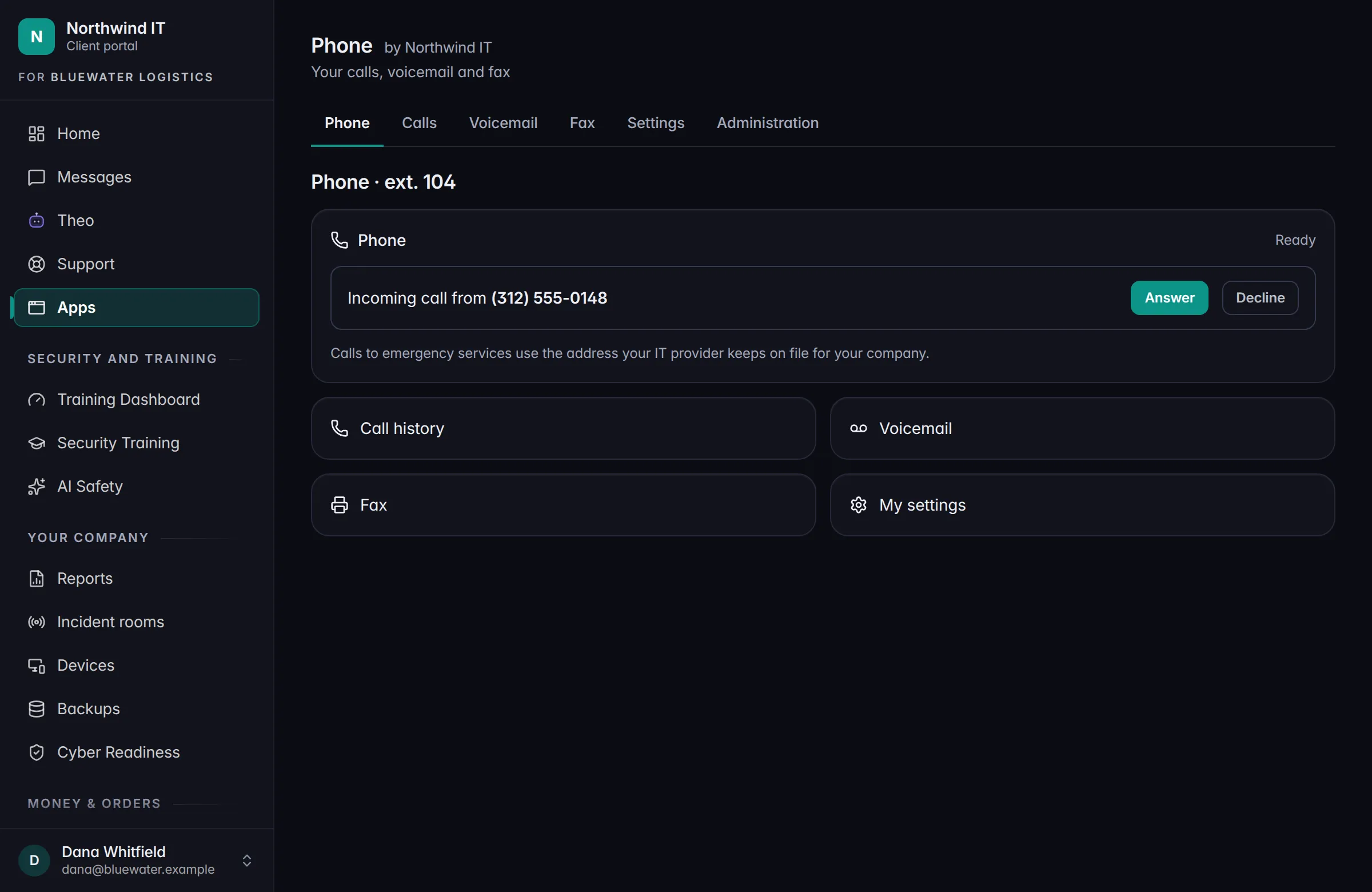
Rolling outA Phone app in your Client Portal.

Rolling outOn the Voice AI plan, THEO can answer as your receptionist.

The Phone page in the Client Portal. Sample data.
Rolling out

Clients

Client apps

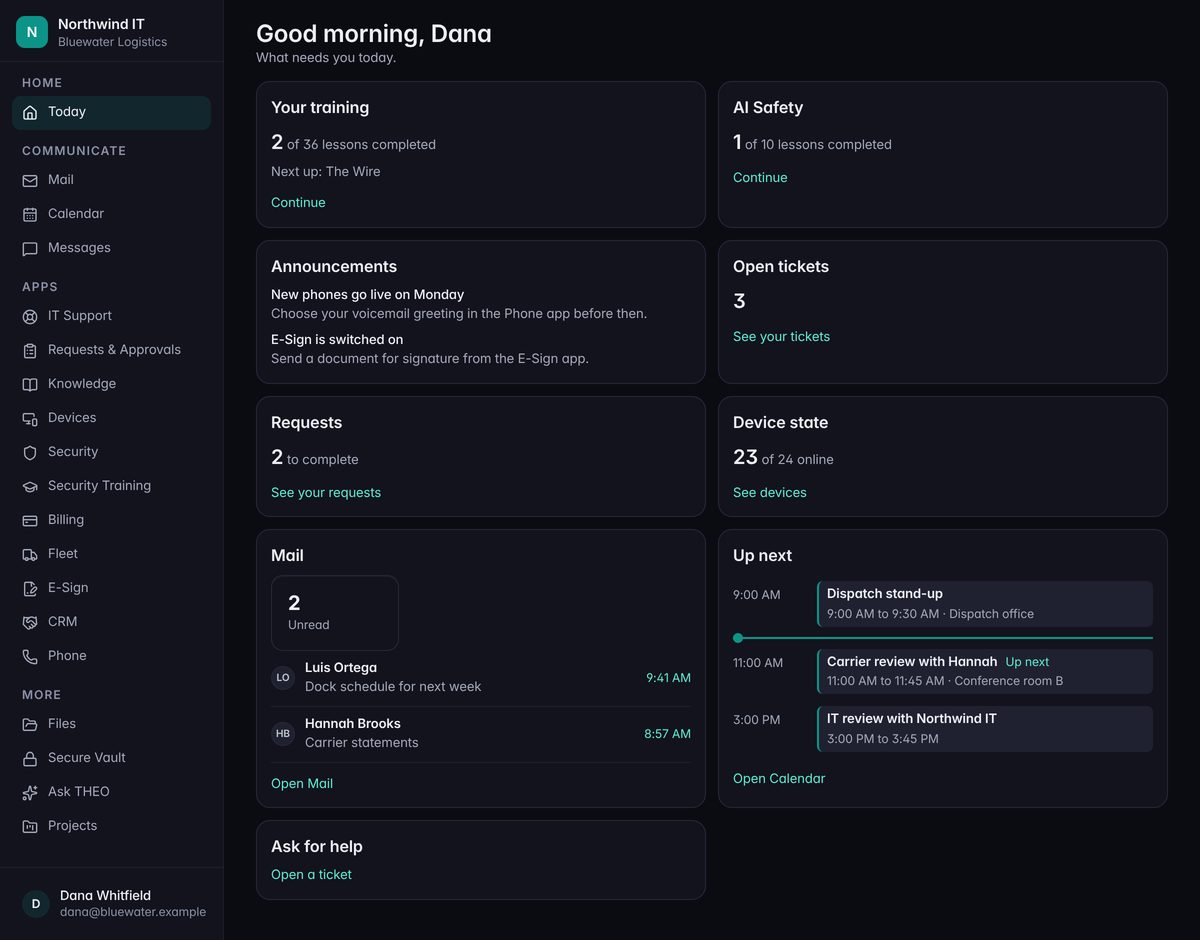
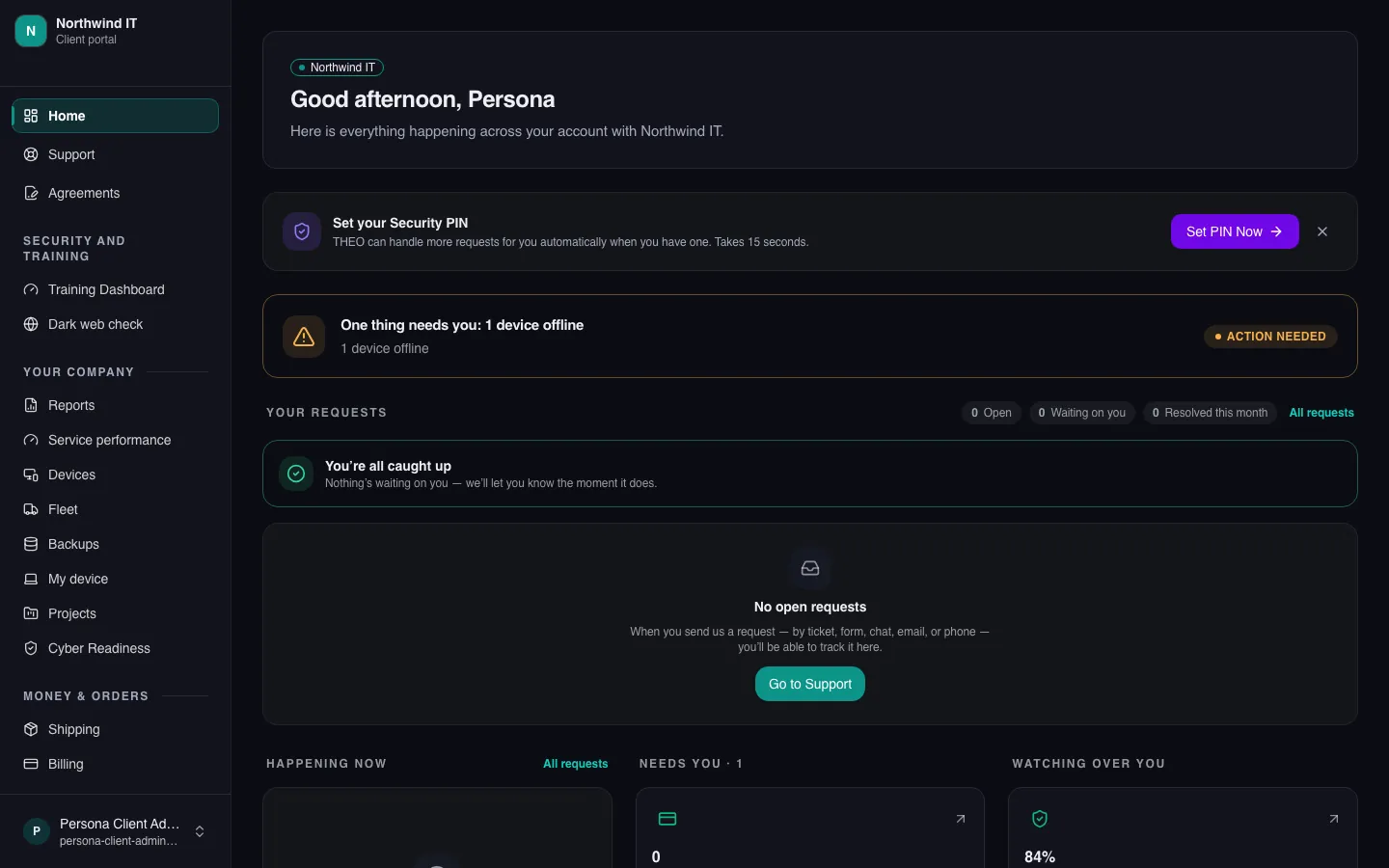
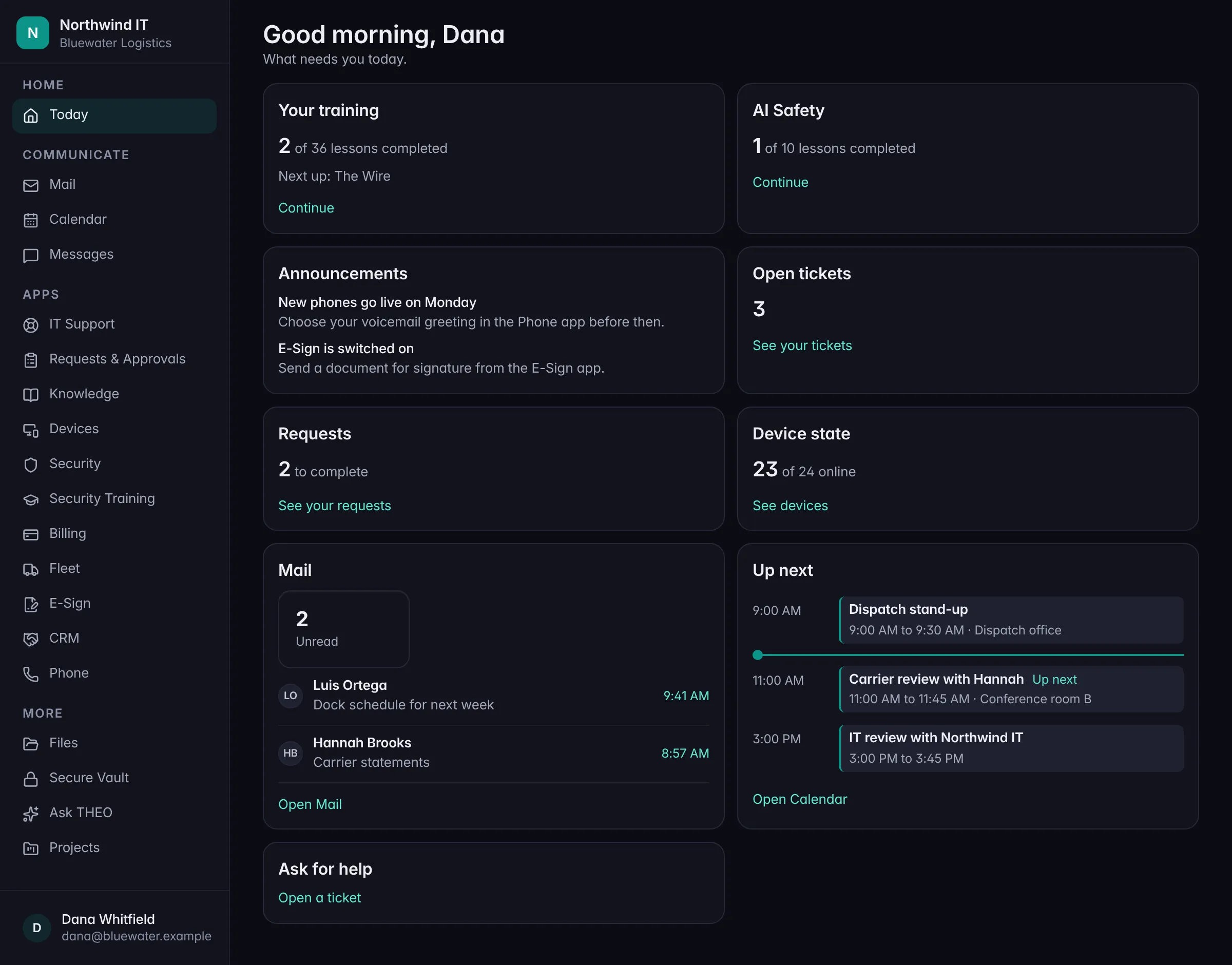
CRM, Projects, E-Sign, Files, Vault, and Fleet are available as add-ons. We can switch one on for your company in the Client Portal.

You don’t install anything, and your admin decides who gets what.

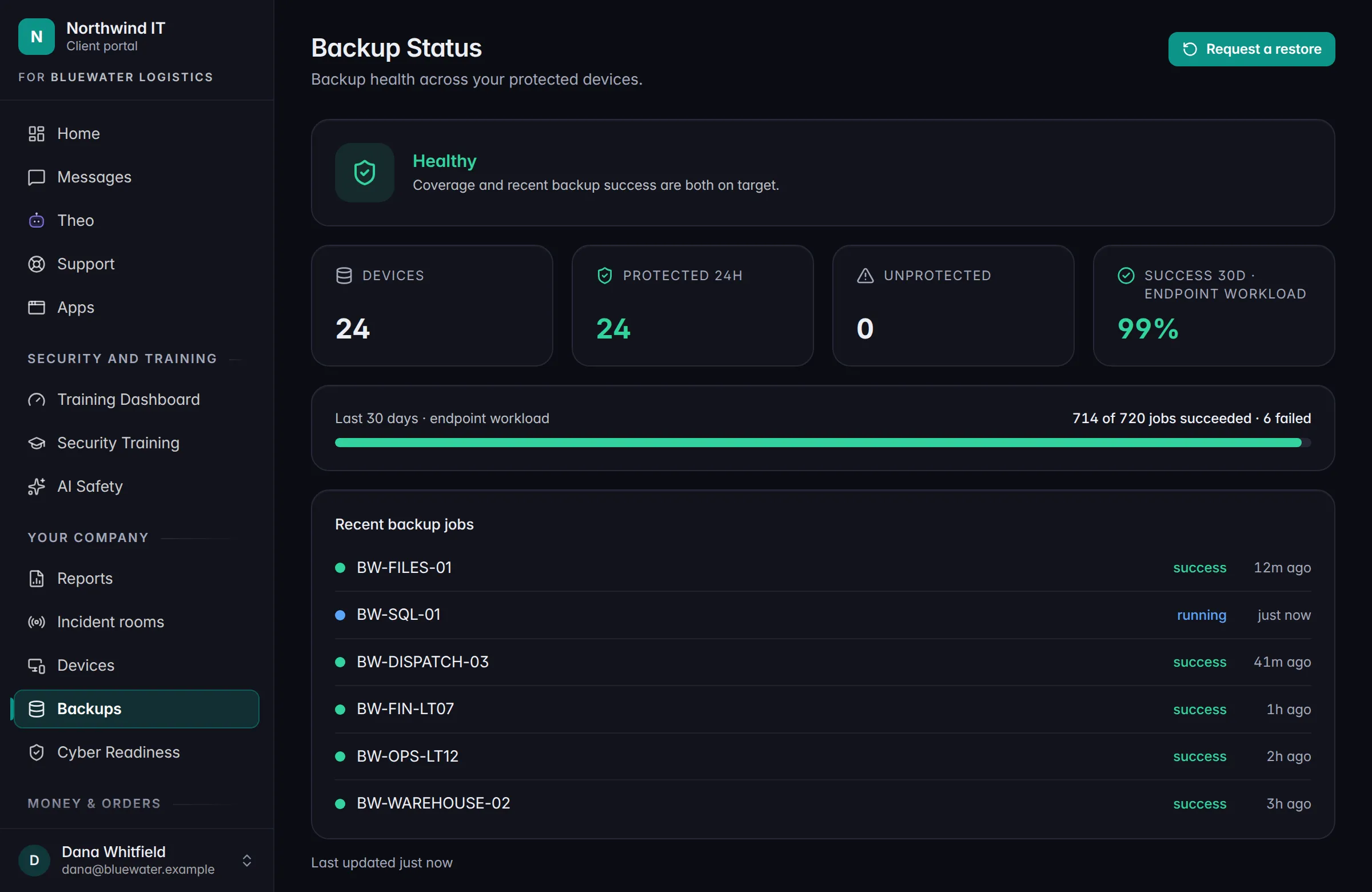
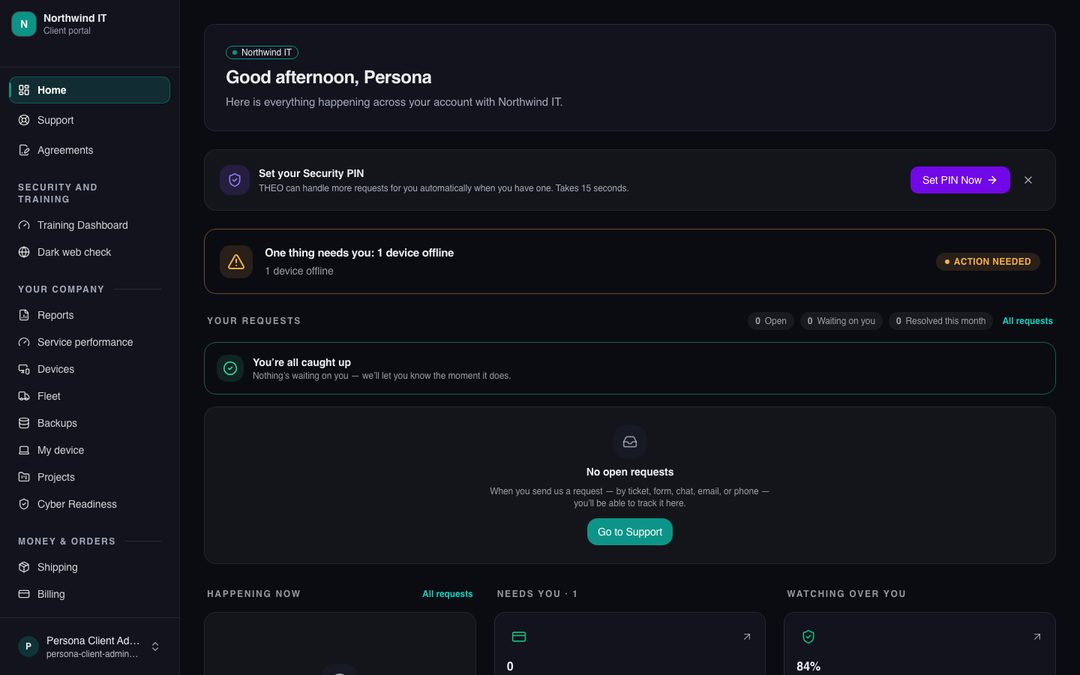
A preview of the Today page in the Client Portal, with a company’s apps down the side. Sample data.
Coming soon

Clients

Workspace

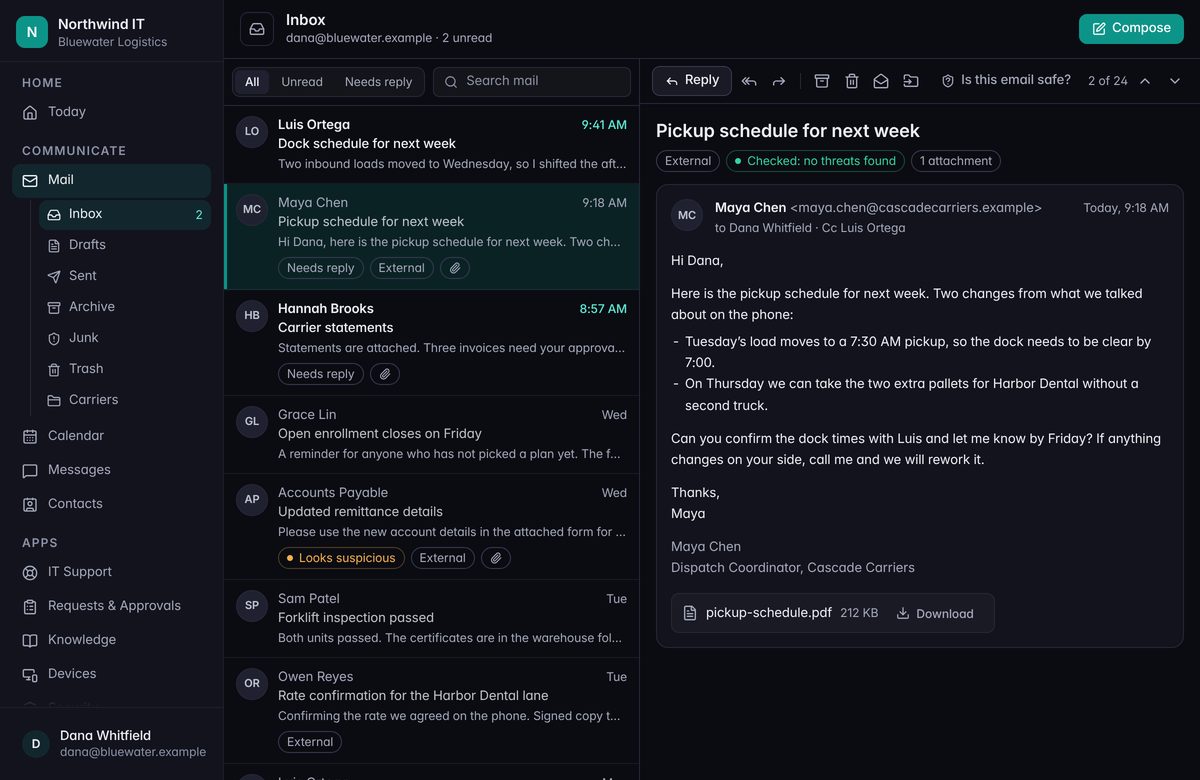
Business email, calendar, contacts, and files, on one license per person.

It isn’t available yet, and there’s no price yet. There is a list.

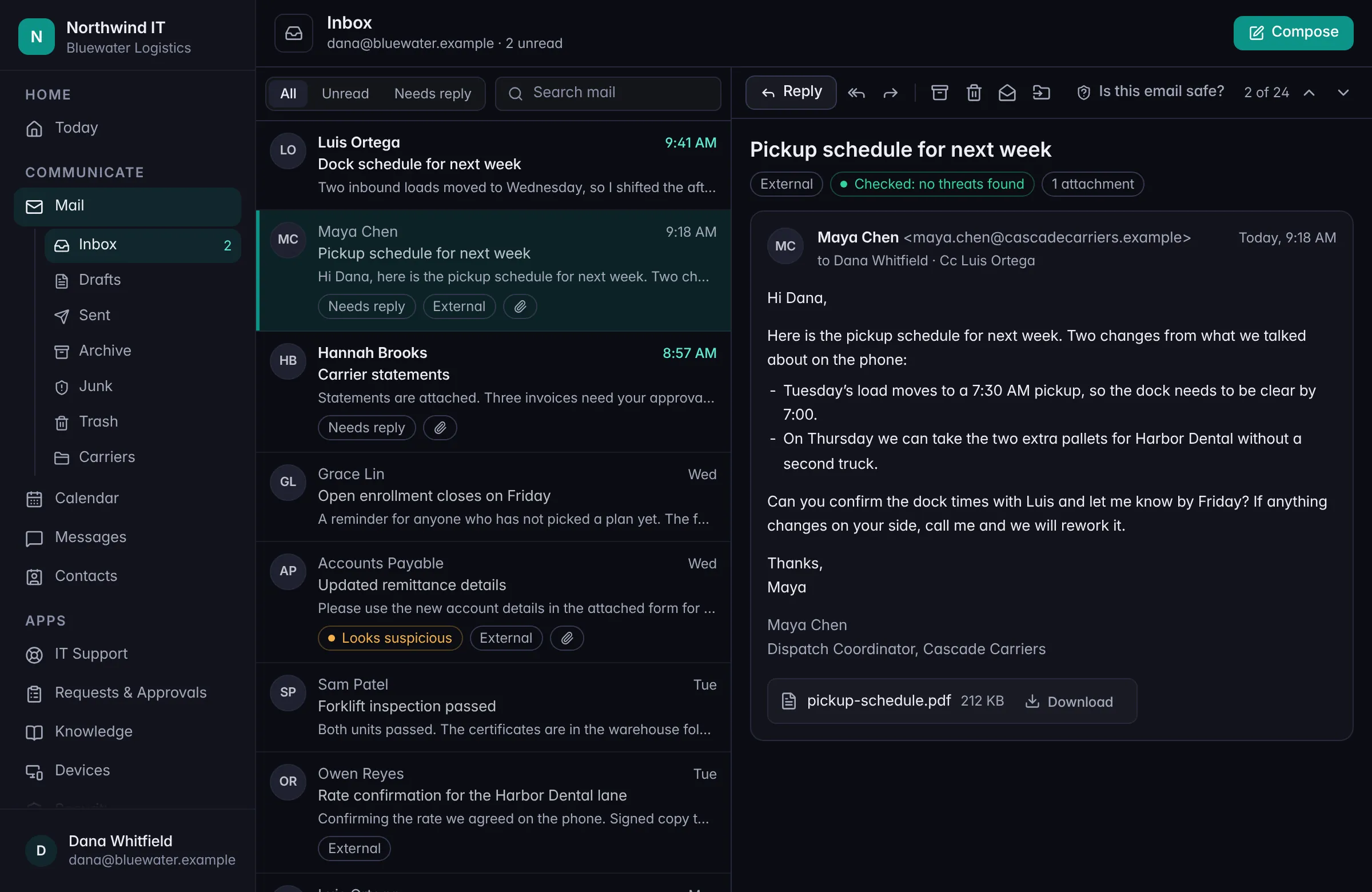
A preview of mail in Workspace. Sample data.
Coming very soon

Clients

Mobile app

A JPtheGeek mobile app is coming very soon. It isn’t in the app stores yet, and we’ll write it up here when it lands.

Coming very soon

Clients

SMS

Texting with us is coming very soon.

Texts are for service only, and only if you opt in: ticket updates, appointment reminders, security alerts, sign-in codes, and billing notices. No marketing texts.

Until then, call (317) 936-3300 or email [email protected].

Talk to a person

Want any of this explained?

Call, or book a time. We’ll tell you what’s changing and what it means for your team.

[email protected]156 S Park Blvd, Greenwood, IN 46143