
Your IT department, without the overhead.
We keep your systems running and answer your people in plain English. You get a whole IT team without having to hire one.
What’s covered
Six jobs. One team doing them.
This is the day-to-day of managed IT. Four of these have their own page if you want the detail.
Help desk
Clear, jargon-free help from people who stay with the problem until it’s solved.
Monitoring
Your systems are watched around the clock, so trouble gets caught before it stops your day.
Proactive maintenance
Updates and upkeep handled while an issue is still small, before it turns into downtime.
Microsoft 365 and cloud
Mail, files, and accounts set up so your team can work from wherever they are.
Backup and recovery
A copy of the data you can’t lose, and a way back when something goes wrong.
Cybersecurity
Part of the package from the first day. It isn’t sold to you later as an extra.
Managed IT includes everything in Quiet, our self-serve option, and much more. How the two compare.
“After submitting my ticket for a software update, Chris responded quickly, took care of that issue and was able to clear up a few other questions I had! As always, quick, kind, caring & knowledgeable assistance.”
Day to day
Most days, nothing dramatic happens. Good.
Monitoring and maintenance run in the background, so problems get handled while they’re still small.
When something does need a person, you call, email, or open a ticket, and our help desk picks it up. They tell you what’s going on in plain English and stay with it until it’s fixed properly.
Planning something bigger, like a new office or new software? Tell us early. We’ll plan it with you and bring options that fit the budget.
How it starts
Four steps to a calmer office.
There’s no big switchover day. We take it in order, and your people keep working while we do.
We learn your setup
A walk through what you have, who uses it, and what’s been getting in the way.
Every computer gets covered
One small agent goes on each computer. It reports health, updates, and security, and lets us help without a visit.
Your people get a way in
Call, email, or use the Client Portal. Every request lands with the same team.
Then it calms down
Updates, backups, and monitoring run in the background. You hear from us when there’s a decision to make.
Where you see it
One place to check on everything.
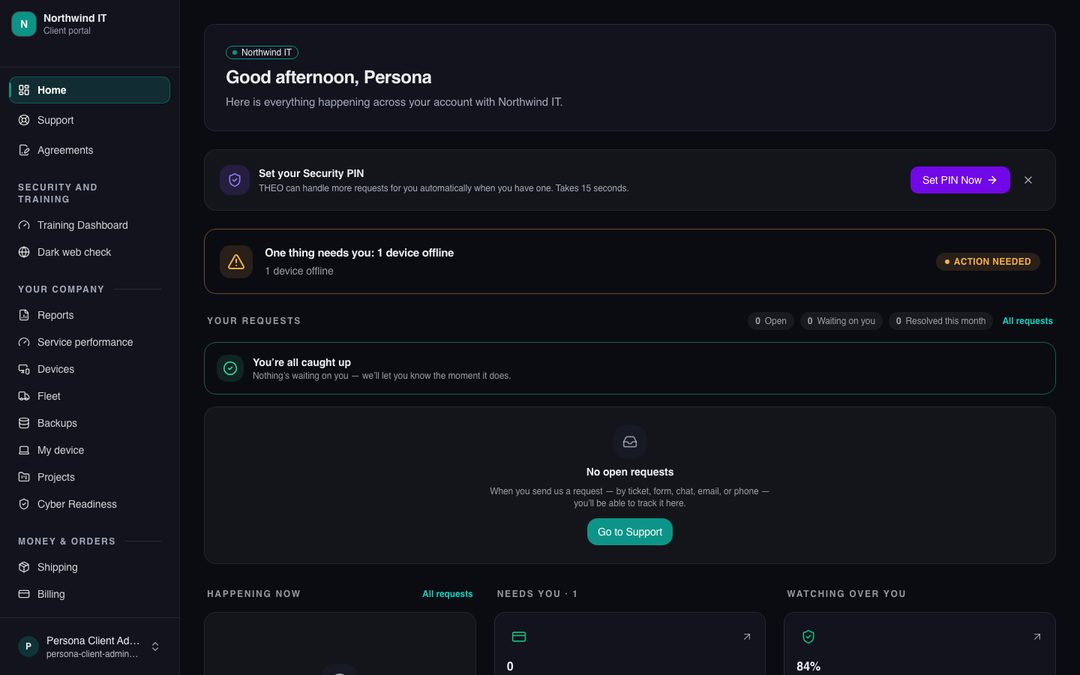
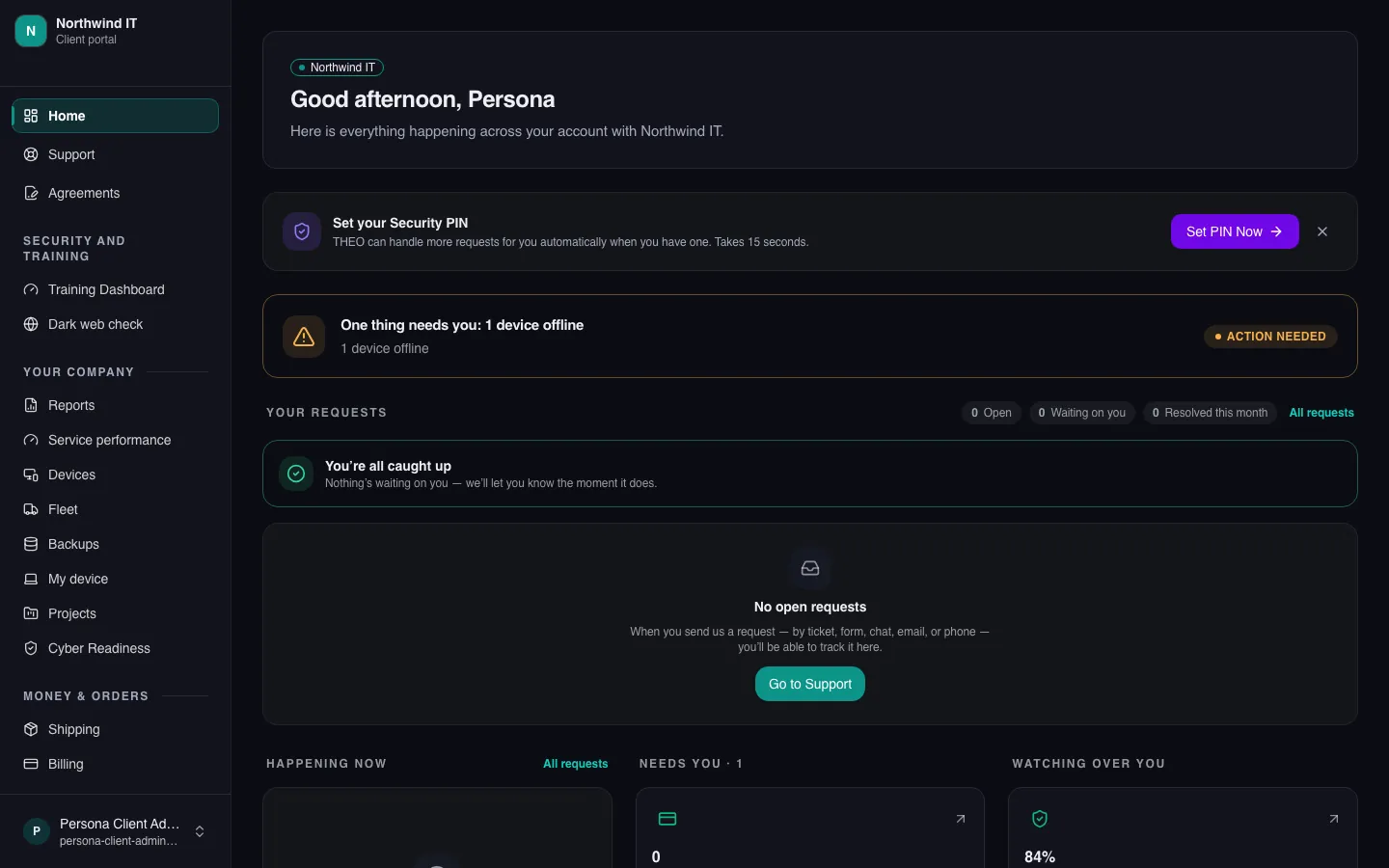
The Client Portal is where you send a request and follow it, so you never have to wonder where something stands. More of it switches on as the platform rolls out: devices, backups, reports, and apps.
Keep going
Talk to a person
Tell us what’s slowing you down.
Call, or book a time and we’ll call you. Either way you talk with someone who can answer the question.