
IT for the office, the trailer, and the truck.
A general contractor’s office is wherever the job is. We keep the main office, the site trailer, and the people in the field connected, and we keep an eye on the email that asks you to change where a payment goes.
The day you have
Most of your company isn’t in the building.
Office IT assumes desks. A contractor’s IT has to work from a trailer, a tailgate, and a phone, and it has to be ready on bid day.
Sites come and go
Every project needs a working office for a while: internet, Wi-Fi, a printer for the big sheets, and the project files. Then it packs up and moves.
Crews change
Project crews form and break up. People need access the day they start, and that access should end the day they leave.
The files are huge
Drawings, models, and photos don’t travel like a spreadsheet. The field needs the current set, not last month’s.
The deadlines don’t move
A bid is due when it’s due. A locked account or a dead laptop that afternoon costs far more than the repair.
How we run it
The same IT department. Pointed at the job.
- The trailer is an office
It gets the same care as the main one: computers we watch, Wi-Fi that reaches, and someone to call when it drops. When a job needs hands, our onsite team goes out.
- People on, people off
New hires and project staff have an account, a mailbox, and the right files ready for their first morning. When someone leaves, their sign-in closes the same day.
- Files that follow the job
Project files are set up so the office, the trailer, and the field all open the same current set, with access for the people on that job.
- A copy of what you can’t redo
We back up the data the business can’t lose. For a contractor that usually means estimates, contracts, drawings, and photos. When a folder is deleted or a laptop goes missing on site, we do the restore work.
- A help desk that picks up
People in the field call between other things. They get a person who talks in plain English and stays with the problem.
The one to watch
“Please use our new bank details.”
Contractors move large payments between owners, subs, and suppliers, and the people who steal by email know it.
The classic move is a message that looks like it came from a sub or a supplier, asking you to change where a payment goes.
Two habits stop most of it: people who know the trick, and a phone call to a number you already had before any bank detail changes.
- Training so the people who pay the bills can spot it. How training works.
- Hawkeye, a button in Outlook that checks a suspicious email in seconds and says why. How Hawkeye works.
- A plan for the day one gets through. Incident response.
AI, when you’re ready
A bot for the job nobody has time for.
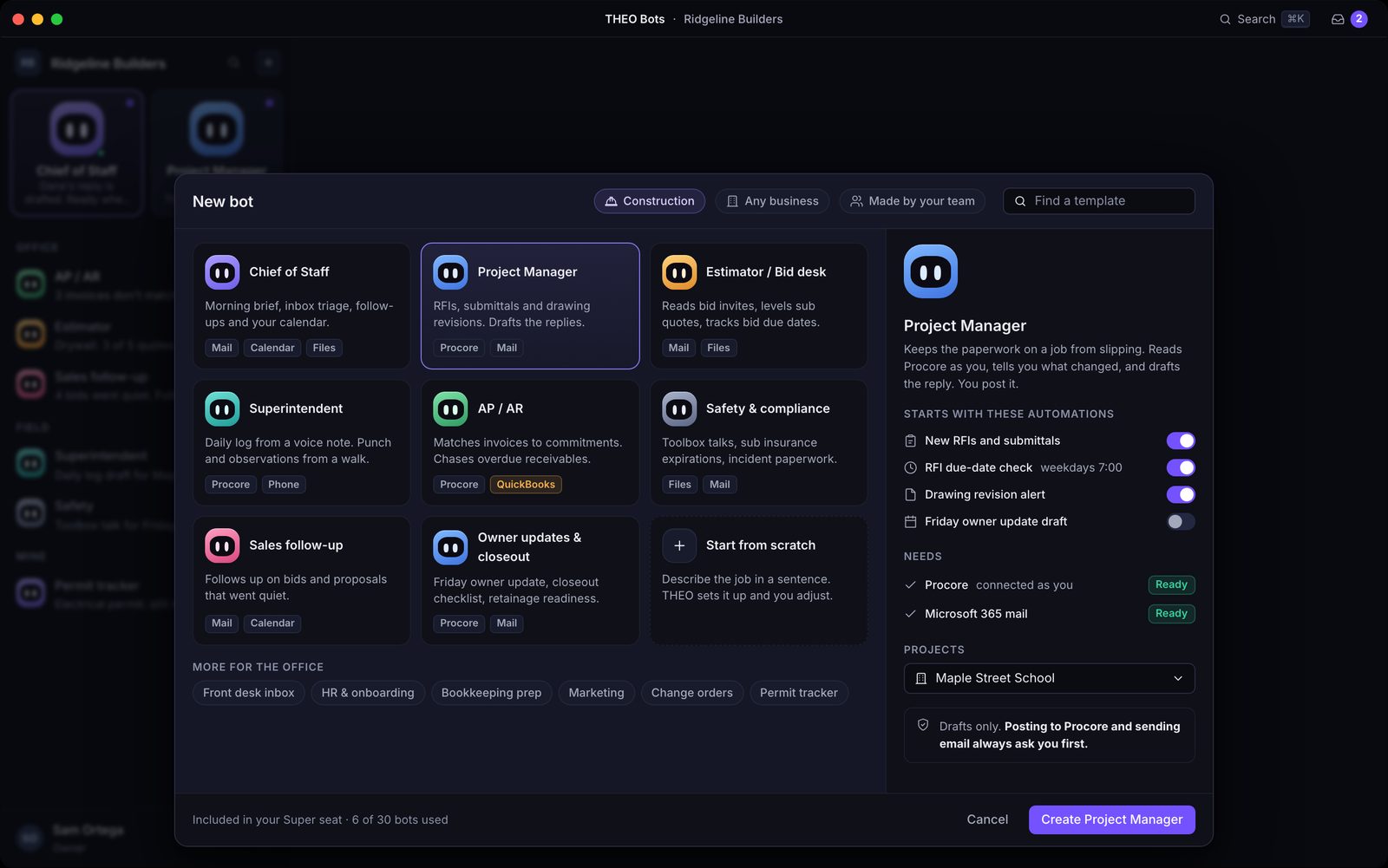
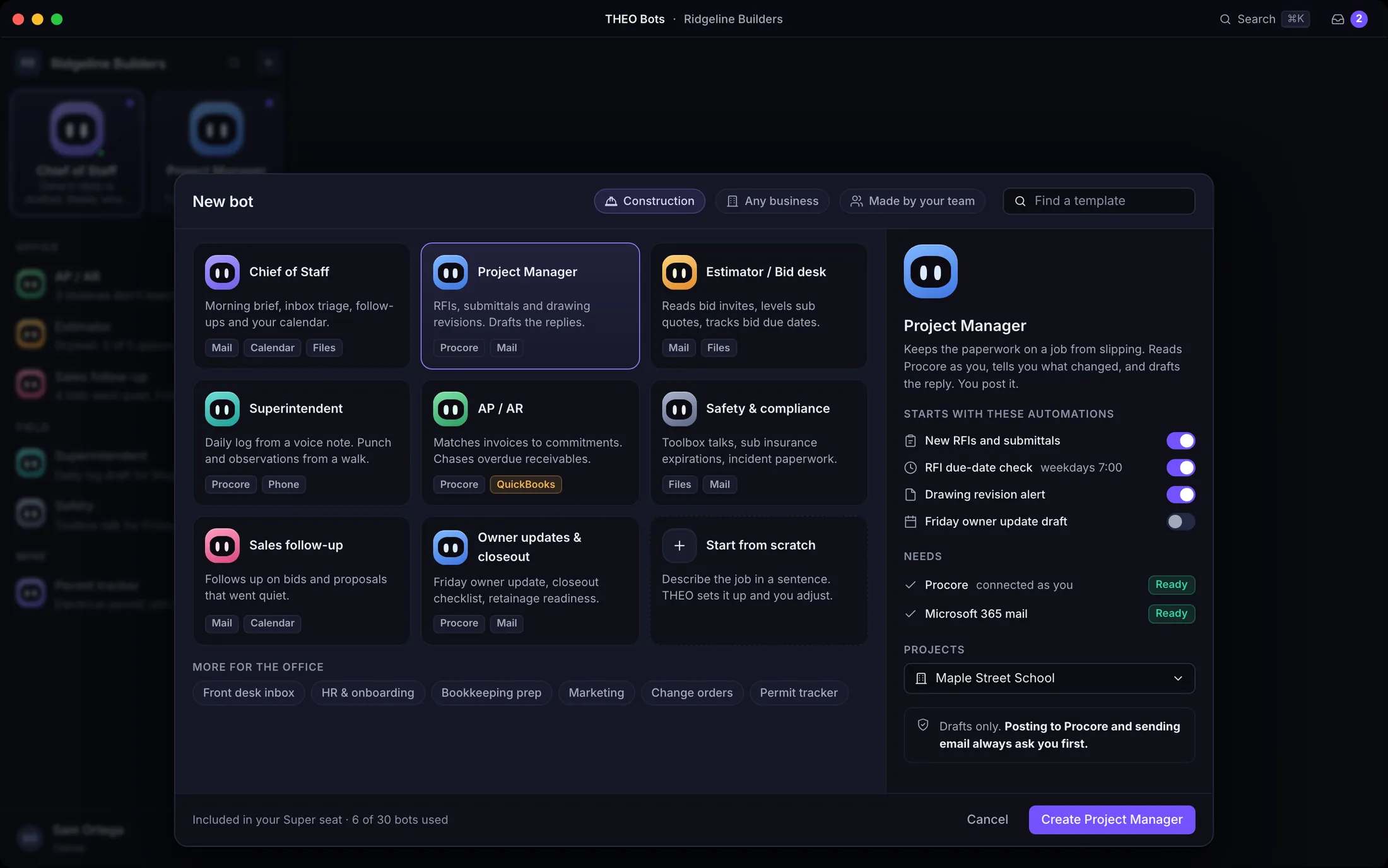
THEO Bots put THEO, our private AI, to work in your business. A bot takes one recurring job off someone’s list, works inside the permissions your company already set, and asks before it sends, files, or changes anything.
Coming soonTHEO Bots comes with a team built for contractors: a project manager, an estimator, a superintendent, AP and AR, and safety.
Questions we get
Asked by contractors. Answered straight.
Can you support a jobsite that’s only there for a few months?
Yes. That’s the normal shape of the work. Tell us where the job is and how long it runs, and we’ll plan the site office around it, including what happens to the equipment when the job closes out.
We already have an IT person. Does this still fit?
Yes. Co-managed IT puts our team beside yours, with extra hands, specialists, and cover when someone is out. They stay in charge. How co-managed works.
Do you support our project management and accounting software?
We look after the computers, accounts, network, and security that your project management and accounting software runs on. When a problem sits inside the software itself, the fix comes from its vendor, and we’ll help you get the right details to them.
Our people are on phones and tablets all day. Is that covered?
Tell us what your crews carry and what they need to reach from it. We’ll set up access so the field gets to mail and project files, and we’ll agree what happens when a device is lost.
Keep going
Talk to a person
Got a job starting soon?
Call, or book a time. Tell us where the site is and when it opens, and we’ll tell you how we’d get it online.